If you’ve been searching for a way to spoof Pokémon GO on iPhone, you’ve probably already run into names like iPogo, Spoofer Pro, or various other modded apps. They look powerful, they’re easy to find — but there’s a serious problem most tutorials won’t tell you upfront.
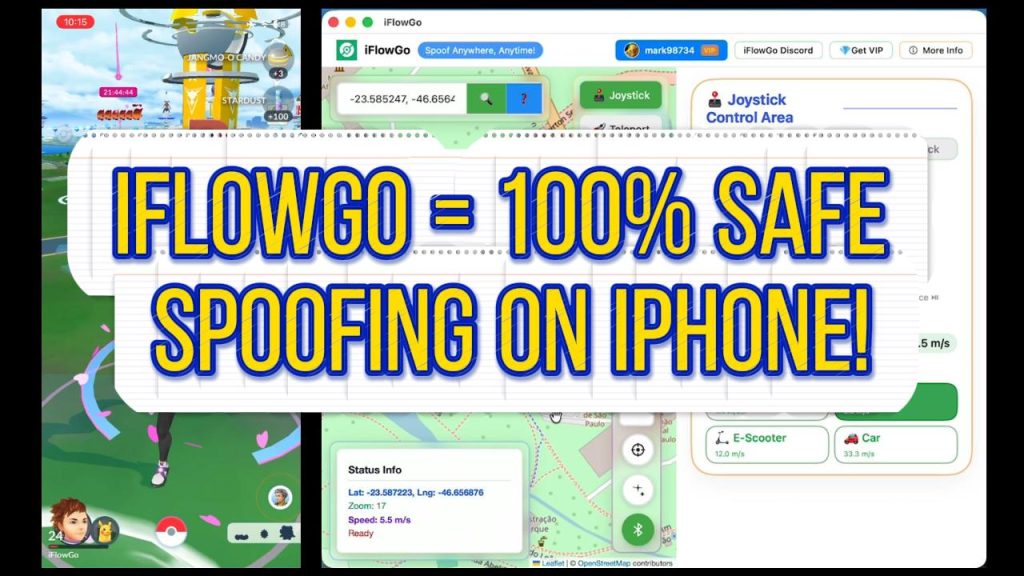
In this guide, we’ll break down exactly how Pokémon GO spoofing works, why most methods put your account at risk, and why iFlowGo has become one of the safer options available for iOS users and 100% Safe ✅ in 2026.
What Is Pokémon GO Spoofing?
Pokémon GO is designed around real-world movement. Your in-game character moves as you walk, and the Pokémon, PokéStops, and Gyms you can access all depend on your physical location.
Spoofing means tricking the game into thinking you’re somewhere you’re not. Instead of physically walking to a park in Tokyo, you can make the game believe you’re already there — and catch rare region-exclusive Pokémon from your couch.
It sounds simple, but the method you use to spoof makes all the difference between a safe experience and a permanent ban.
Why Modded Apps Like iPogo and Spoofer Pro Are Risky ⚠️
Search Pokémon GO spoofer iOS and you’ll find a long list of modded apps. They often come with impressive features — teleportation, auto-catching, IV scanning, and more. But here’s what’s actually happening under the hood.
How Modded Apps Work
Modded apps are created by taking the official Pokémon GO app, opening and modifying the code, and repackaging it with added features. The result looks like Pokémon GO, but it isn’t the original.
How Niantic Detects Them
Niantic — the company behind Pokémon GO — runs detection systems that check whether the app you’re running is the original, unmodified version. Once the code has been altered, the system can flag your account.
Bans don’t always happen immediately. Flags accumulate over time, and many players don’t realize anything is wrong until they receive a warning strike — or a permanent ban out of nowhere.
What About Jailbreaking?
A common misconception is that jailbreaking your iPhone protects you from detection. It doesn’t. Niantic’s detection system checks the app code itself, not your phone’s root status. Jailbreaking might bypass some device-level checks, but it doesn’t make a modified app look like the original.
How iFlowGo Works, Why 100% safe — And Why It’s Different
iFlowGo takes a fundamentally different approach. Instead of modifying the Pokémon GO app, iFlowGo works at the GPS level.
The Core Principle
The safest setup for spoofing has one non-negotiable rule: the Pokémon GO app itself must remain completely unmodified. You should always be running the official version downloaded directly from the App Store.
iFlowGo is a separate app. It doesn’t touch Pokémon GO’s code at all. What it does instead is change the GPS signal your iPhone broadcasts to all apps.
How It Works in Practice
Open iFlowGo, select a location — say, Osaka, Japan. Your iPhone now tells every app running on it, including Pokémon GO, that you’re in Osaka. Pokémon GO receives that GPS signal and responds to it as normal.
When Niantic scans the app code, it sees the original, unmodified Pokémon GO — because that’s exactly what you’re running. There are no modified files, no repackaged app, no code alterations to detect.
Modded Apps vs iFlowGo — Key Differences
Modded Apps (iPogo, Spoofer Pro, etc.)
- ⚠️Modify the Pokémon GO app code directly
- ⚠️Niantic’s detection system can identify the code changes
- ⚠️Account flags can accumulate even if a ban isn’t immediate
- ⚠️Jailbreaking does not remove this risk
iFlowGo
- ✅ Does not modify Pokémon GO in any way
- ✅ Works with the official App Store version of the game
- ✅ Only changes the iPhone’s GPS signal
- ✅ Niantic sees original, unmodified app code
- ✅ Currently one of the safer iOS spoofing options available
The #1 Beginner Mistake — Cooldown Rules
Even with a safer tool like iFlowGo, there’s one mistake that catches almost every new spoofer: ignoring the Cooldown timer.
Pokémon GO has an internal timer that tracks how far you’ve traveled. If you teleport from New York to Tokyo and immediately try to catch a Pokémon or spin a PokéStop, the game’s system kicks in — Pokémon will flee, spins will fail, and actions won’t register properly.
The rule is simple: the farther you teleport, the longer you need to wait before interacting with the game. The maximum cooldown is two hours for very long distances.
Violating cooldown repeatedly won’t necessarily trigger an immediate ban from Niantic’s detection system, but it does cause in-game issues that make the experience frustrating. Full Cooldown Timer Guide: wiki.iflowgo.com — Cooldown Chart
Getting Started with iFlowGo on iPhone
Here’s the basic setup flow for new users:
- Download the official Pokémon GO app from the App Store if you haven’t already
- Download iFlowGo from its official website (link below)
- Open iFlowGo and select your target location on the map
- Switch to Pokémon GO — your character will appear at the new location
- Wait out the cooldown period before catching Pokémon or spinning stops
Summary
Most Pokémon GO spoofing methods carry real account risk because they modify the game app itself — and Niantic is specifically looking for that. iFlowGo avoids this by working at the GPS level, leaving the official Pokémon GO app completely intact.
If you’re just starting out, focus on two things: use the official app with iFlowGo, and always respect the cooldown timer. Those two habits alone will put you in a much better position than the majority of new spoofers.
iFlowGo is currently the safest and easiest Pokémon GO spoofing tool to use, spoof with confidence! 🛡️📍✨
Useful Links
iFlowGo Official Website: https://iflowgo.com
Full Cooldown Timer Guide: wiki.iflowgo.com — Cooldown Chart
Watch the full video: YouTube — iFlowGo Pokémon GO Spoofing Guide